
Add the app on your phone
Ce contenu n’est pas encore disponible dans votre langue.
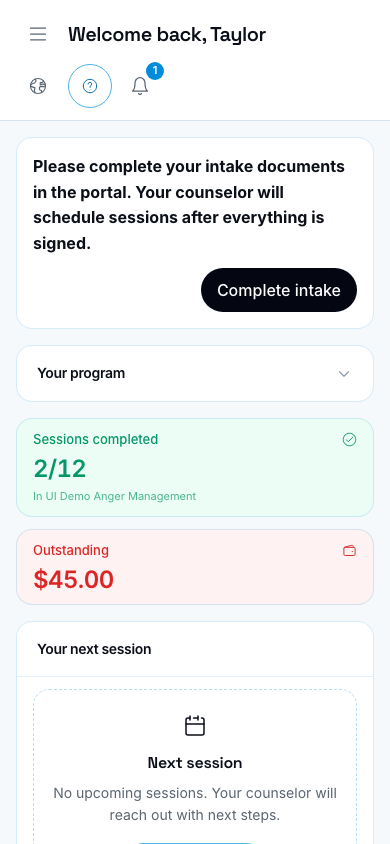
Client home on a phone-sized screen (demo clinic).
Who this is for
Section titled “Who this is for”Clients and agents who open the portal on a phone.
- Open your clinic portal in Safari (iPhone) or Chrome (Android).
- Use the browser Share or Add to Home Screen action.
- Confirm the name, then open the new icon like an app.
You still sign in with your email and password. This does not install a separate store app.